By the IGNIPOST Chat team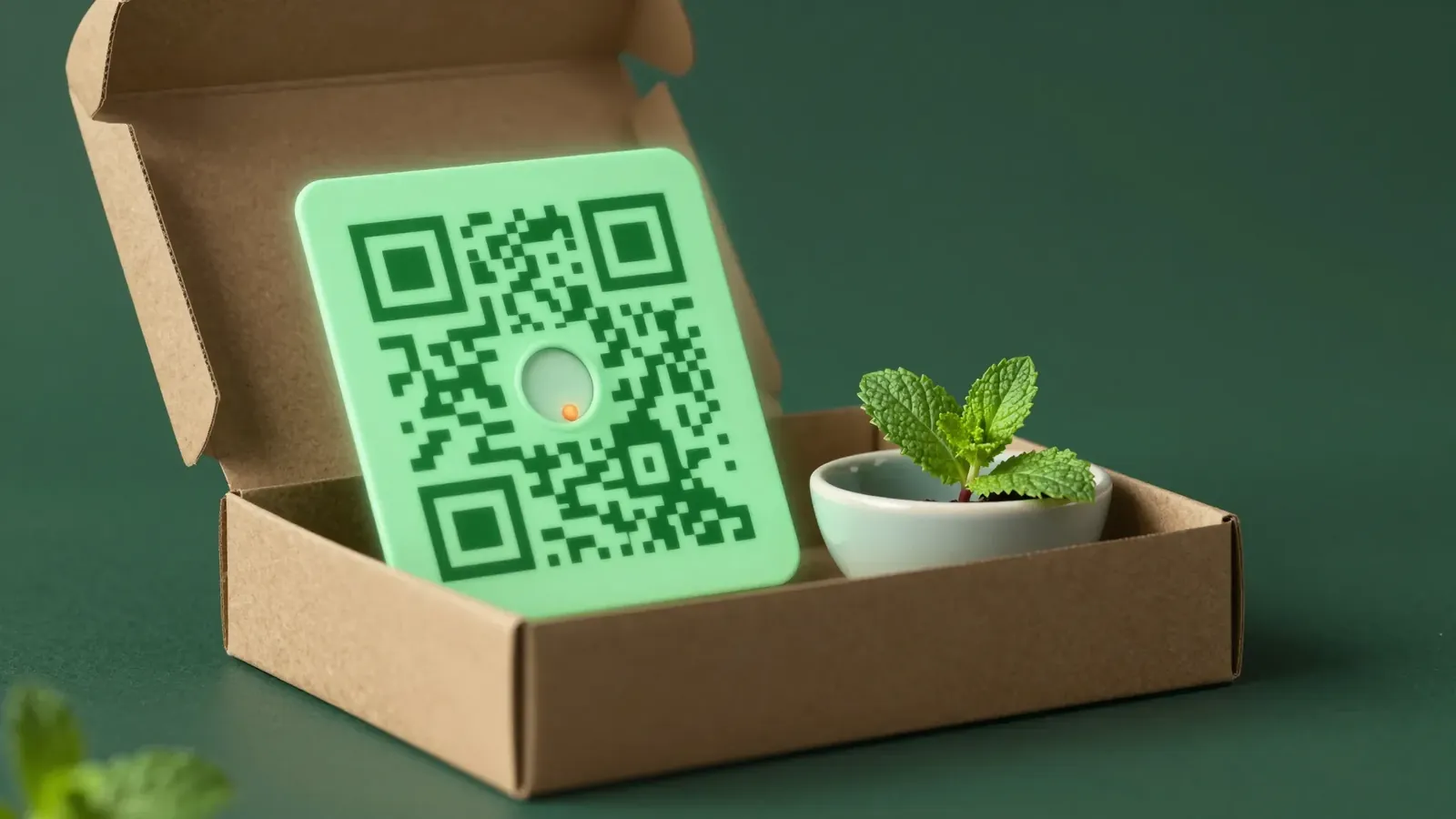
A cosmetics shop in Tangier buys a file of 5,000 "active WhatsApp numbers" and sends a promotion to all of them on a Tuesday. By Wednesday, many people have blocked the number. By Thursday, WhatsApp has restricted it, and the shop has lost the account it used for customer orders too. The same week could have gone into printing a QR code on its parcel inserts. A WhatsApp opt in list grows more slowly, but everyone on it chose to hear from you.
This guide covers what real consent looks like, what the law asks in the EU, the UK and Morocco, and practical ways to grow a list.
What a real WhatsApp opt in looks like
A person has opted in when all of these are true:
- They gave you their number themselves, or wrote to you first.
- They knew which business they were agreeing to hear from.
- They knew what kind of messages to expect: order updates, new arrivals, promotions.
- They took a clear action, such as ticking an empty box, sending a keyword or replying YES.
- They can stop at any time, and you told them how.
WhatsApp's business policy also expects permission before a business messages people. Keep separate permissions for separate kinds of messages: agreeing to delivery updates is not agreeing to weekly offers.
What the law asks, in plain words
This is a general summary, not legal advice. Ask a lawyer about your own case.
European Union: the GDPR
Under the GDPR, consent must be freely given, specific, informed and unambiguous. Pre-ticked boxes do not count. You must be able to show when and how a person consented, and withdrawing must be as easy as giving it. National electronic marketing rules generally add a prior consent requirement for marketing messages.
United Kingdom: UK GDPR and PECR
UK GDPR keeps the same consent standard. The UK's electronic marketing rules (PECR) generally require consent, with a narrow "soft opt-in" for existing customers: details collected during a sale, marketing about your own similar products, and a chance to refuse at collection and in every message. Check the ICO's current guidance before relying on it.
Morocco: law 09-08 and the CNDP
Morocco's law 09-08 on the protection of personal data prohibits direct marketing by automated means, such as automatic calls or email, using a person's contact details without their prior consent. The CNDP (Commission Nationale de contrôle de la protection des Données à caractère Personnel) supervises the law and can inspect and sanction businesses. People also have the right to object to marketing.
The common thread is short: ask first, keep a record, make stopping easy.
Click-to-chat links: let customers write first
A click-to-chat link opens a WhatsApp chat with your number. It is wa.me/ followed by your full number in international format, with no plus sign, spaces or leading zero, for example wa.me/212612345678. You can add a pre-filled message, so the customer only has to tap send.
Where to put it:
- Your Instagram bio and Facebook page button.
- A "Chat with us" button on product and contact pages.
- Email signatures and order emails.
- Ads that open a chat instead of a form.
When a person writes to you first, they have started a conversation. That is not yet permission for regular promotions. Ask in your first reply:
Merci pour votre message ! Voulez-vous aussi recevoir nos nouveautés et nos offres sur WhatsApp, environ 2 fois par mois ? Répondez OUI. Vous pourrez arrêter à tout moment en envoyant STOP.
Use a different pre-filled text for each source, such as INSTA or SITE, so you can see which channel brings subscribers.
QR codes on packaging and in shops
A QR code turns a printed card into a click-to-chat link. The customer scans it with the phone camera and WhatsApp opens with your message ready to send. It works best where people already hold your product.
- Parcel inserts. A small card in every cash on delivery parcel: "Scan for care tips and early access to new arrivals."
- The counter and the fitting room. A small stand next to the till, with a reason to scan.
- Receipts and bags. Cheap to add, seen at the right moment.
Give a reason that helps the customer: care tips, restock alerts, a small welcome gift. Print what they sign up for and how often you write, for example "2 messages a month, send STOP to leave".
Put a different keyword in each QR code, such as COLIS for parcels and BOUTIQUE for the shop. A keyword chatbot can then answer at once with a welcome message that confirms the subscription and repeats how to stop.
The checkout checkbox
Your checkout already collects phone numbers. A checkbox turns some buyers into subscribers, if you set it up properly:
- Leave it unticked. A pre-ticked box is not valid consent in the EU or the UK.
- Keep it separate from order updates. Say that order updates come anyway, and the box is only for offers.
- Name your business and the channel. Write "WhatsApp", not "messages".
- Never make it a condition of buying.
Sample wording:
| Language | Checkbox text |
|---|---|
| English | Send me new arrivals and offers from [Shop] on WhatsApp (about 2 a month). I can stop anytime by replying STOP. |
| French | Je souhaite recevoir les nouveautés et offres de [Boutique] sur WhatsApp (environ 2 par mois). Je peux arrêter à tout moment en répondant STOP. |
| Arabic | أرغب في تلقي جديد وعروض [المتجر] على واتساب (حوالي رسالتين في الشهر). يمكنني التوقف في أي وقت بإرسال STOP. |
Keep a record of every consent
If a customer or a regulator asks why you messaged someone, you need an answer. Store these fields with each contact:
| Field | Example |
|---|---|
| Phone number | +212 6xx xx xx xx |
| Source | QR code on parcel insert, keyword COLIS |
| Date and time | 14 October 2026, 18:42 |
| Wording shown | The exact checkbox or card text, with its version |
| What they agreed to | Promotions, order updates, or both |
| Opt-out date | Empty until they leave |
When you import contacts into a WhatsApp tool, bring the consent columns and import only people who said yes. A list without its consent history cannot be defended.
Make opt-out easy and honour it at once
A visible way out builds trust and protects your number. People who cannot find "stop" press "block" or "report" instead, and many reports can get a number restricted.
- Accept several stop words: STOP, ARRET, وقف, "baraka", UNSUBSCRIBE.
- Mention the stop word in the welcome message and from time to time in campaigns.
- Stop campaigns to that person straight away, in every contact group.
- Confirm in one short message: "C'est noté, vous ne recevrez plus nos offres."
Grow slowly and never buy lists
Bought or scraped lists break every rule above: no consent, no record, no idea who is on them. They are also the fastest way to lose a number. WhatsApp can restrict or ban numbers that send messages people did not ask for, and tools that connect through WhatsApp Web are no exception. No tool can promise that a number cannot be banned.
A few hundred customers who chose to join are worth more than thousands who block you. Start with small volumes, especially on a new number, space messages with random delays and personalise them. Our guides to WhatsApp bulk messaging without getting banned and broadcast message templates that get replies cover the sending side, and the WhatsApp marketing strategy for small businesses shows where the list fits in your plan.
IGNIPOST Chat supports this way of working: opt-out keywords that stop campaigns for anyone who sends them, keyword flows that check consent and log every decision, and contact groups you fill by pasting numbers or importing a CSV. Read our acceptable use policy for what the service allows, and the FAQs for setup questions.
Frequently asked questions
Is a customer who messages my business first opted in?
They have opted in to a conversation, not to regular promotions. You can reply to their question and help with their order. Before adding them to campaigns, ask a clear question such as "Do you want to receive our offers on WhatsApp? Reply YES", and record the answer with the date. That keeps your list clean and your consent provable.
Can I add customers who bought from me to my WhatsApp list?
Sometimes, but check the rules where you sell. The UK has a narrow soft opt-in for existing customers and similar products, if they had a chance to refuse when you collected their details. Morocco's law 09-08 and most EU rules generally require prior consent for direct marketing by electronic means. The safest route is a clear, unticked checkbox at checkout.
Are pre-ticked consent boxes allowed?
Not in the EU or the UK. Under the GDPR and UK GDPR, consent needs a clear action from the person, so a box that is already ticked does not count. It is also poor practice everywhere else: people who did not notice the box are the ones most likely to block or report your number when your first promotion arrives.
What words should customers send to unsubscribe?
Accept the words your customers actually use. In Morocco and francophone Africa that often means STOP, ARRET and ARRÊT, plus Darija such as "baraka" and Arabic such as وقف. In English-speaking markets, STOP and UNSUBSCRIBE. Set them all as opt-out keywords, stop campaigns to that person at once, and confirm with one short message so they know it worked.
More in WhatsApp Marketing, or browse all guides.